13-inch MacBook Pro
Intel, Retina and Apple silicon models, including Touch Bar designs. We check the keyboard, display, battery and charging system together when symptoms overlap.
From a broken Retina display to a MacBook Pro that will not power on, our Irvine team diagnoses the system and repairs the component behind the problem. We service Intel and Apple silicon Pro notebooks used for business, development, design and everyday work.
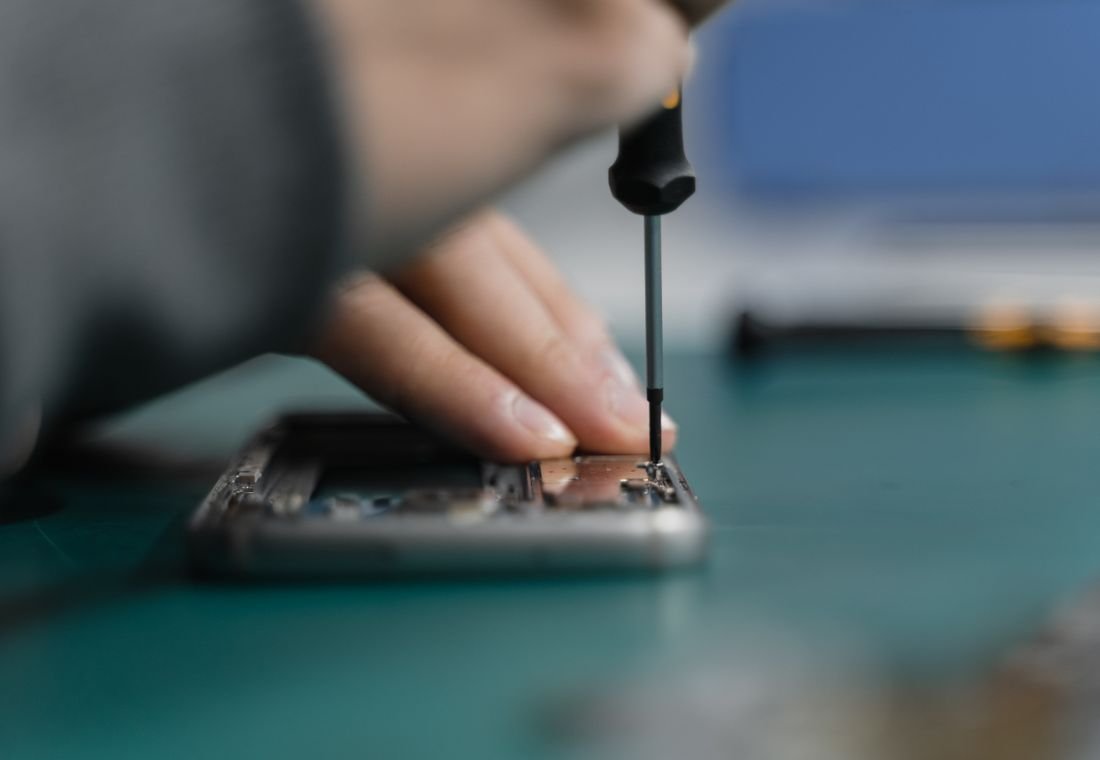
Bring the charger, any adapter or dock involved, and a description of the workload that triggers the fault. An intermittent external-display or charging issue is easier to reproduce with the accessories you normally use.
Intel, Retina and Apple silicon models, including Touch Bar designs. We check the keyboard, display, battery and charging system together when symptoms overlap.
M1, M2, M3, M4 and M5 chip families, including Pro and Max configurations. Service includes Liquid Retina XDR display assemblies, batteries, MagSafe/USB-C ports, cooling and board diagnostics.
Retina displays, keyboard/top-case assemblies, fans, power circuits and startup troubleshooting. Heat and performance symptoms receive hardware and software checks.
From a single damaged component to several connected problems, we explain the work your device needs.
Screen-assembly replacement for cracks, pressure damage, lines, missing image or faulty backlighting. We also inspect hinges, connections and the enclosure.
Ask about Retina & Liquid Retina XDR displaysBattery replacement for reduced runtime or shutdowns, with charge testing across the adapter, cable, USB-C or MagSafe input and internal power circuitry.
Ask about Battery & power systemKeyboard and top-case service, damaged key response, trackpad repair, Touch Bar fault diagnosis and cable inspection on equipped models.
Ask about Keyboard, Touch Bar & trackpadFan cleaning or replacement, heatsink inspection and thermal troubleshooting. We check background processes and storage pressure alongside cooling hardware.
Ask about Cooling & sustained performanceUSB-C/Thunderbolt, HDMI, SD-card and audio connections on equipped models; webcam and microphone faults, distorted speakers and damaged connectors.
Ask about Ports, camera & speakersComponent-level board repair, liquid-damage assessment and power-rail diagnosis. We also troubleshoot boot loops, failed updates and firmware-related startup faults.
Ask about Logic board & macOS startupA screen, battery or software issue can produce similar symptoms. A diagnostic check identifies the repair your device needs.
| What you notice | What we check | How we help |
|---|---|---|
| The screen goes dark as the lid moves | Display assembly, connections or hinge damage | We reproduce the angle-dependent fault and inspect the display path before choosing a repair. |
| Charging disconnects when the cable moves | Cable, connector or charging port | We test with a suitable charger and isolate the damaged port or board connection. |
| Fans run loudly and work slows down | Workload, airflow, fans or temperature control | We inspect the cooling system and test behavior under load, then address the mechanical or software cause. |
| No startup after a spill | Power circuits, corrosion or damaged assemblies | We inspect the board and connectors and discuss your files before any operation that could erase data. |
Tell us before approving a reset, software restoration or board replacement. We can assess data recovery options and help you decide whether the first priority is the device, the files or both.
Bring the device and explain what happened. We handle the technical diagnosis and keep you informed.
We inspect the device, reproduce the symptom and identify the affected components. Diagnostics are free.
You receive the repair scope, cost and expected timeline. Paid work starts only after your approval.
We complete the agreed component or software work and address the cause of the problem.
We check the repaired functions and explain the result, care advice and applicable repair warranty.
Need help with a specific symptom? Call (562) 542-5899 or include it in your repair request.
Ask about your deviceYes. We provide display repair and screen-assembly replacement for 14-inch and 16-inch MacBook Pro models, including Apple silicon designs. We test the image, backlight, camera and lid behavior as part of the repair checks.
Yes. We diagnose the battery, charging circuit and power connection. A battery fault is one possibility, but testing is needed before recommending a replacement.
Yes. We diagnose Touch Bar, keyboard, trackpad and top-case faults on models equipped with those components. The repair may involve an individual component, cable or assembly.
Yes. We inspect fans, airflow and the cooling assembly and check software workload, storage and temperature-related behavior. Warmth during demanding work alone does not establish a hardware failure.
Diagnostics are free. The quote depends on the exact model, damaged component and scope of the repair. You receive the proposed cost and timeline before paid work begins.
Right On Repair & IT Services
20 Corporate Park, Ste 118, Irvine, CA 92606
Walk-in intake: 10 AM–6 PM
Serving Irvine, Tustin, Costa Mesa and nearby Orange County communities.