11- & 13-inch Intel Air
Older wedge-shaped and Retina Intel models. Battery, keyboard, display and charging repairs follow the specific generation’s hardware design.
Cracked screen, fading battery, sticky keys or no power? We repair MacBook Air notebooks at our Irvine shop, including Intel and Apple silicon models. Our service covers the display, battery, keyboard, trackpad, charging system, logic board and macOS.
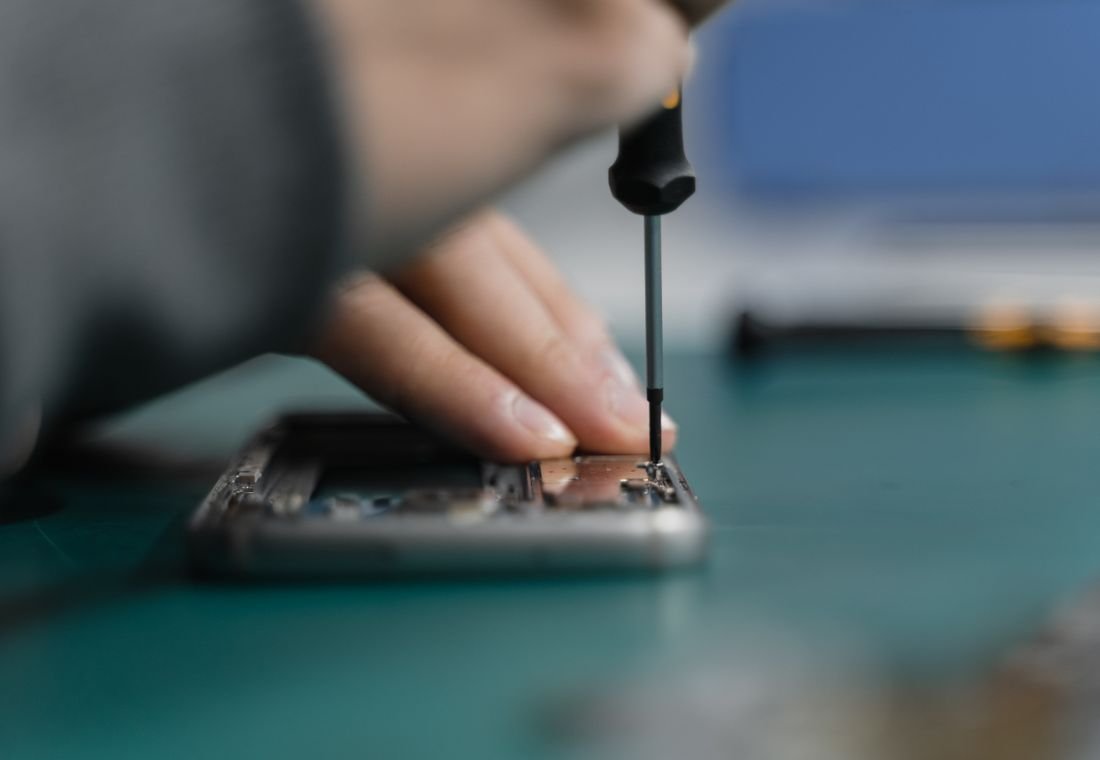
A 13-inch size alone does not identify an Air. The model name and chip shown in About This Mac help us distinguish Intel, M-series and different display or charging designs.
Older wedge-shaped and Retina Intel models. Battery, keyboard, display and charging repairs follow the specific generation’s hardware design.
M1, M2, M3, M4 and M5 MacBook Air families, including the M1 wedge and later designs. We service screens, batteries, USB-C charging, keyboards, trackpads and boards.
Large-screen Air notebooks. Display and enclosure checks, battery replacement, keyboard service and MagSafe/USB-C fault finding.
From a single damaged component to several connected problems, we explain the work your device needs.
Cracked glass, lines, flicker, dim image and black-screen faults. We inspect the screen, backlight, camera connections and hinge operation.
Ask about Screen & display assemblyDiagnose short runtime, unexpected shutdowns and battery service messages; replace the battery and check stable charging and operation away from the adapter.
Ask about Battery replacementRepair worn ports, damaged connectors and charging circuitry. Testing includes the power adapter and cable to separate accessory trouble from a notebook fault.
Ask about MagSafe & USB-C chargingRepair unresponsive or repeating keys, damaged top-case assemblies, unreliable trackpad clicks and internal cable faults.
Ask about Keyboard, top case & trackpadInspection, corrosion cleaning, connector work and component-level repair for spills, no-power conditions and unstable operation.
Ask about Liquid damage & logic boardsResolve startup problems, application crashes, low-storage issues and failed updates. We help with backup setup, file migration and recovery assessment.
Ask about macOS & everyday performanceA screen, battery or software issue can produce similar symptoms. A diagnostic check identifies the repair your device needs.
| What you notice | What we check | How we help |
|---|---|---|
| Air will not charge beyond a certain level | Battery settings, temperature or battery condition | We check whether the limit is intentional before recommending battery or power-system repair. |
| Trackpad feels difficult to click | Trackpad mechanism, mounting or pressure from inside the case | We inspect the trackpad and battery. A lifting case or swelling needs prompt assessment rather than more pressure. |
| Apple silicon Air gets warm during heavy use | Workload and passive cooling behavior | We check activity, temperatures and performance. Fanless Apple silicon Air models do not need a fan replacement. |
| Black screen or a Mac stuck at startup | Display, system software, firmware or board | We separate an image problem from a boot problem and explain the appropriate repair. |
Tell us before approving a reset, software restoration or board replacement. We can assess data recovery options and help you decide whether the first priority is the device, the files or both.
Bring the device and explain what happened. We handle the technical diagnosis and keep you informed.
We inspect the device, reproduce the symptom and identify the affected components. Diagnostics are free.
You receive the repair scope, cost and expected timeline. Paid work starts only after your approval.
We complete the agreed component or software work and address the cause of the problem.
We check the repaired functions and explain the result, care advice and applicable repair warranty.
Need help with a specific symptom? Call (562) 542-5899 or include it in your repair request.
Ask about your deviceYes. We repair 13-inch and 15-inch MacBook Air notebooks, as well as older 11-inch models. Service includes screens, batteries, charging, keyboards, trackpads, software and logic boards.
Apple silicon MacBook Air models use a fanless design. We check workload, software and thermal behavior instead. Older Intel Air models have a different cooling design and may need fan inspection or service.
Yes. We inspect liquid-damaged MacBook Air notebooks and provide cleaning, connector, keyboard and board repair as appropriate to the damage. Turn the device off, unplug it and avoid repeated attempts to power it on before assessment.
Yes. Battery replacement is a repair service we provide. We first check battery condition and the charging system to confirm that replacement addresses the problem.
Bring the MacBook Air, its charger and any cable or adapter associated with the issue. Back up your files if possible and tell us about recent spills, drops, updates or previous repairs.
Right On Repair & IT Services
20 Corporate Park, Ste 118, Irvine, CA 92606
Walk-in intake: 10 AM–6 PM
Serving Irvine, Tustin, Costa Mesa and nearby Orange County communities.